tilen Book a demo

Features

Every module, in detail.

You turn on the ones you need. They share the same clients, the same contacts and the same history.

Mail

Your Microsoft 365 mailbox, read with you: what needs a reply comes first, each message filed under its client.

  • One message at a time: reply, later, delegate, file
  • A reply suggested by Tilen, which you edit or replace with your own
  • Filed under the right client, with their deals and conversations
  • Signatures, templates and replies by post
Calendar

Your meetings and your team’s, linked to clients and deals.

  • Day, week, month, and the team side by side
  • Your Microsoft calendar shown as an overlay
  • A meeting linked to a client or a deal
  • Reminders, guests, times in each person’s time zone

To do

A single queue for everything waiting on you, sorted by urgency.

  • Today’s tasks, overdue follow-ups, client requests
  • What is overdue first, then what is coming up
  • Each line takes you to where it gets handled
  • Decisions waiting on management

Clients and deals

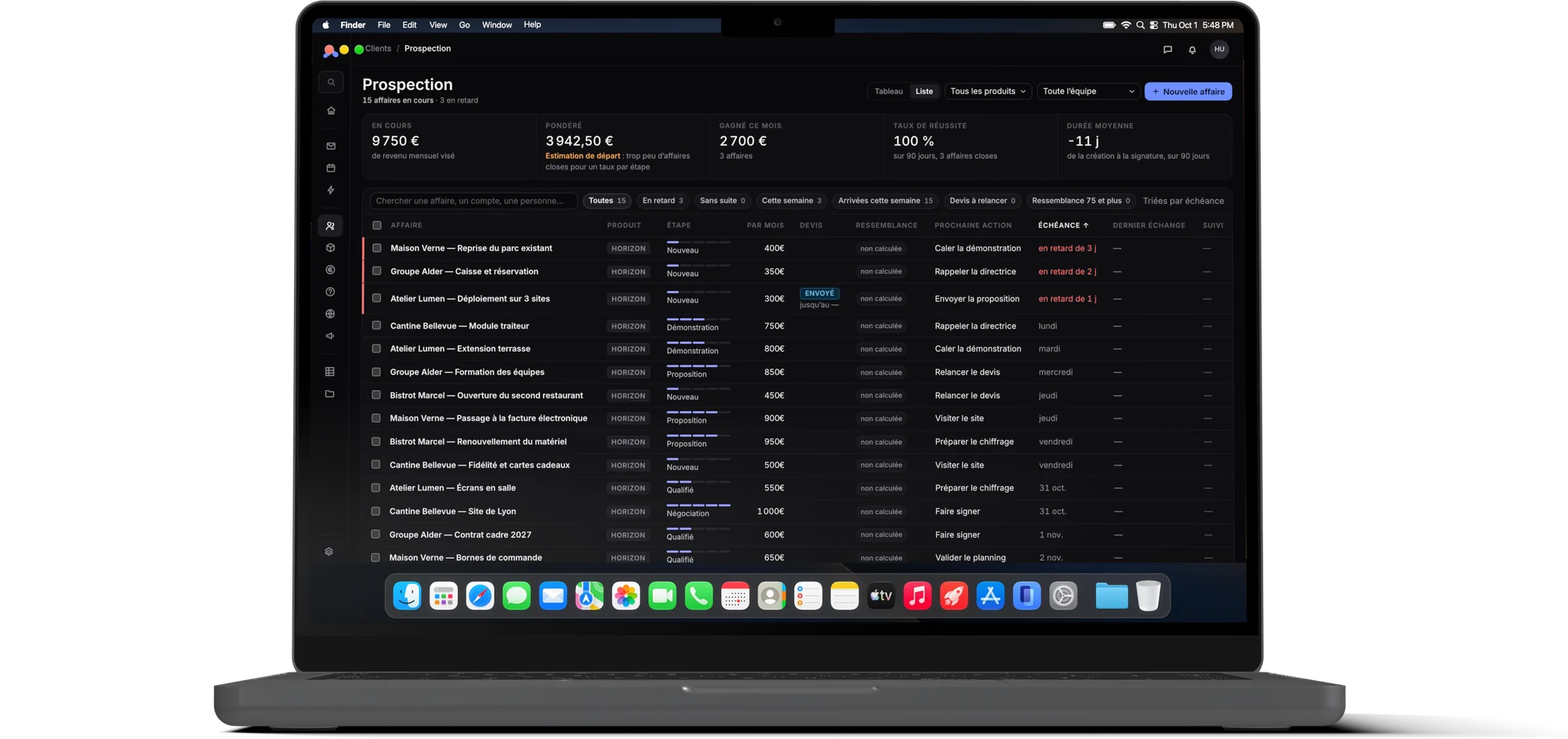
From first contact to client activation, every deal has its next action.

  • Prospecting as a board or a list, amount weighted by stage
  • Deal tracking, from signature to activation
  • Account records, contacts, sites and history
  • Customer base health and prospecting review
Tilen’s prospecting list, on a MacBook

Quotes and contracts

Your prices come from a grid; your quotes come from your prices.

  • Catalog and price grids per product, with versions and tiers
  • Quotes sent and signed online
  • Contracts, amendments and price reviews
  • Partner commissions calculated from the grid

Projects

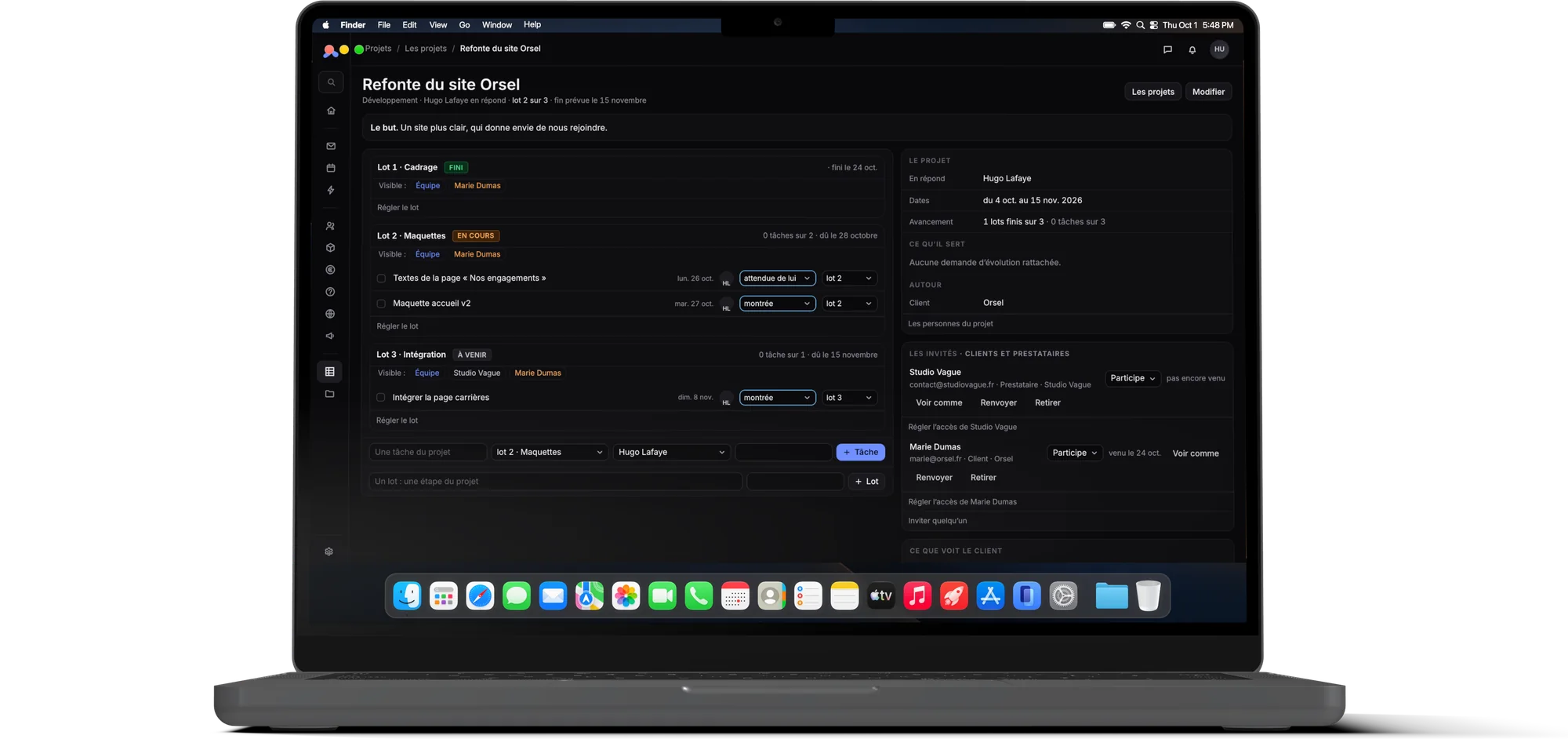
Phases, tasks, decisions, and your clients in the project.

  • Dated phases, tasks, decisions recorded and signed
  • Invited clients and contractors, no password needed
  • Team-only sections, “View as…”
  • Who does what, across all projects
An invited client’s space on a project, in Tilen, on a MacBook

Support

Your clients’ requests, with their response times and their history.

  • Requests received by email or entered by hand
  • After-sales service linked to the client’s equipment
  • Knowledge base
  • Response times tracked, monthly results

Documents

The files of every client and every department, organized and shared when needed.

  • Cabinets by department: sales, finance, marketing
  • Search across all documents
  • Incoming invoices
  • Controlled sharing

Finance and reporting

Due dates, cash flow and results, kept up to date by what you already do.

  • Due dates, sales invoices, payments
  • Accounting connected to Pennylane
  • Income statement, cash flow, margin
  • “What if…” scenarios and month-end close

Marketing

Your content, from idea to publication, with its approvals.

  • Production and campaigns
  • Brand guidelines and approval workflows
  • Media library
  • Results by channel

See them on your own deals.

Book a demo